
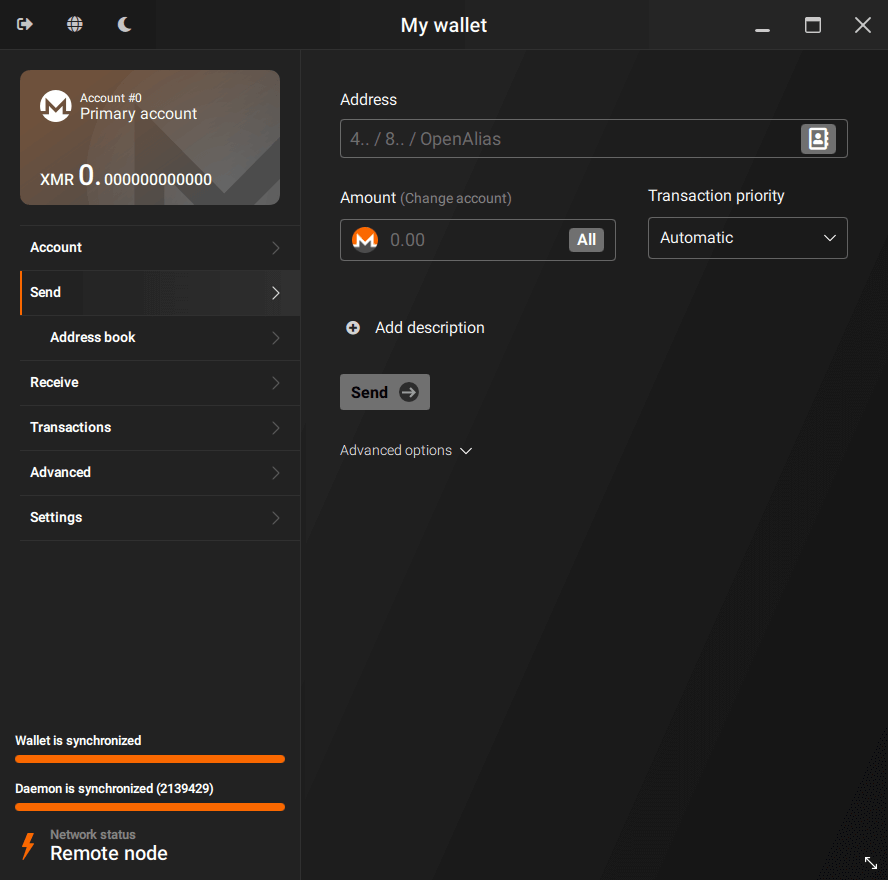
For Windows, macOS, and Linux, download Monero GUI directly from the GetMonero downloads page. Select the correct operating system, then verify the hash or signature by following the instructions on that page before installation. The image below shows the actual Monero GUI screen.
Monero
Create and Secure a Monero Wallet
Separate desktop and mobile steps for choosing an app from an official source, backing up the recovery phrase, synchronizing the network, and creating an XMR receiving address.
Desktop: Download Monero GUI from GetMonero
Do not download wallet files from advertisements, message links, or imitation websites.
Mobile: Choose an app recommended by GetMonero
On iPhone or Android, open the Mobile & Light section of the GetMonero downloads page and follow its link to the app store. Check the app name, developer, and destination domain before installing. Menus vary by app, but it must provide wallet creation or restoration, a Receive page, and a Send page.
Do not install an app found through an advertisement. Start from GetMonero’s list and links.
Create the wallet and back up the recovery phrase offline
Create a new wallet, set a password for opening the app, and write the recovery phrase in order on an offline medium. Check that it is complete before depositing funds. If the app uses a recovery format different from Monero GUI, follow the steps shown by the official app and preserve all information needed for recovery.
Anyone with the recovery phrase or spend key can control the wallet’s funds. Never save them in chat, email, or a screenshot.
Synchronize the wallet with the network
In Monero GUI, wait until both the wallet and node have finished synchronizing before checking a balance or sending a transaction. On mobile, wait until the block height or synchronization status is current. If you use a remote node, choose a trusted source and understand its privacy implications.
Balances and statuses may be incomplete until the wallet has finished synchronizing.
Create a subaddress for receiving funds
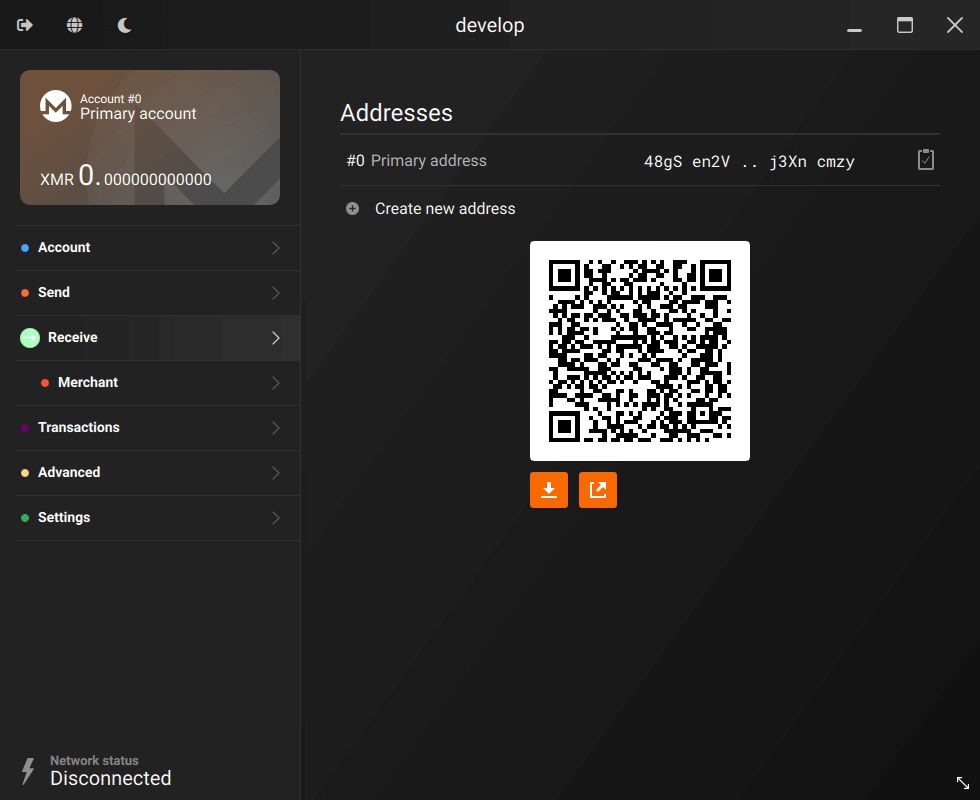
Open Receive and create a new subaddress for each purpose. Copy the address, or have the sender scan the QR code directly from your wallet, and add a label so you remember where each payment came from. See the official Monero guide to receiving XMR.
Check the address after every copy, and never disclose your recovery phrase or private key.
Test recovery before storing a large balance
Make sure the recovery phrase is legible and that you understand the wallet-restoration process. Consider testing with a small amount before full use.
Never enter the recovery phrase into a website for testing. Use only wallet software you have verified.