
Register through Kraken’s official website or app, verify your email, choose a unique password, and check supported countries before using the service.
Accounts and digital-asset wallets
Open an Account and Transfer Assets with Kraken
Website and app steps covering account creation, identity verification, Funding 2FA, deposit-address creation, and network checks.
Create an account and verify your email

Kraken and Kraken Pro use the same account, but their interfaces and menu locations may differ.
Verify your identity and enable Funding 2FA
Complete the identity-verification steps shown in your account, then enable two-factor authentication for sign-in and funding transactions.
When withdrawing, use the Funding authentication code required by Kraken.
Open the Deposit or Withdraw menu
In Kraken, select Deposit, or open Transfer and choose Deposit. In Kraken Pro, open the deposit and withdrawal menu, then search for the required asset.
Select only assets and networks that your account shows as supported.
Create or copy the address and check the network
The first time you deposit into Kraken, you may need to create an address. Copy the address and all additional information, then confirm that the sending network matches the network shown by Kraken.
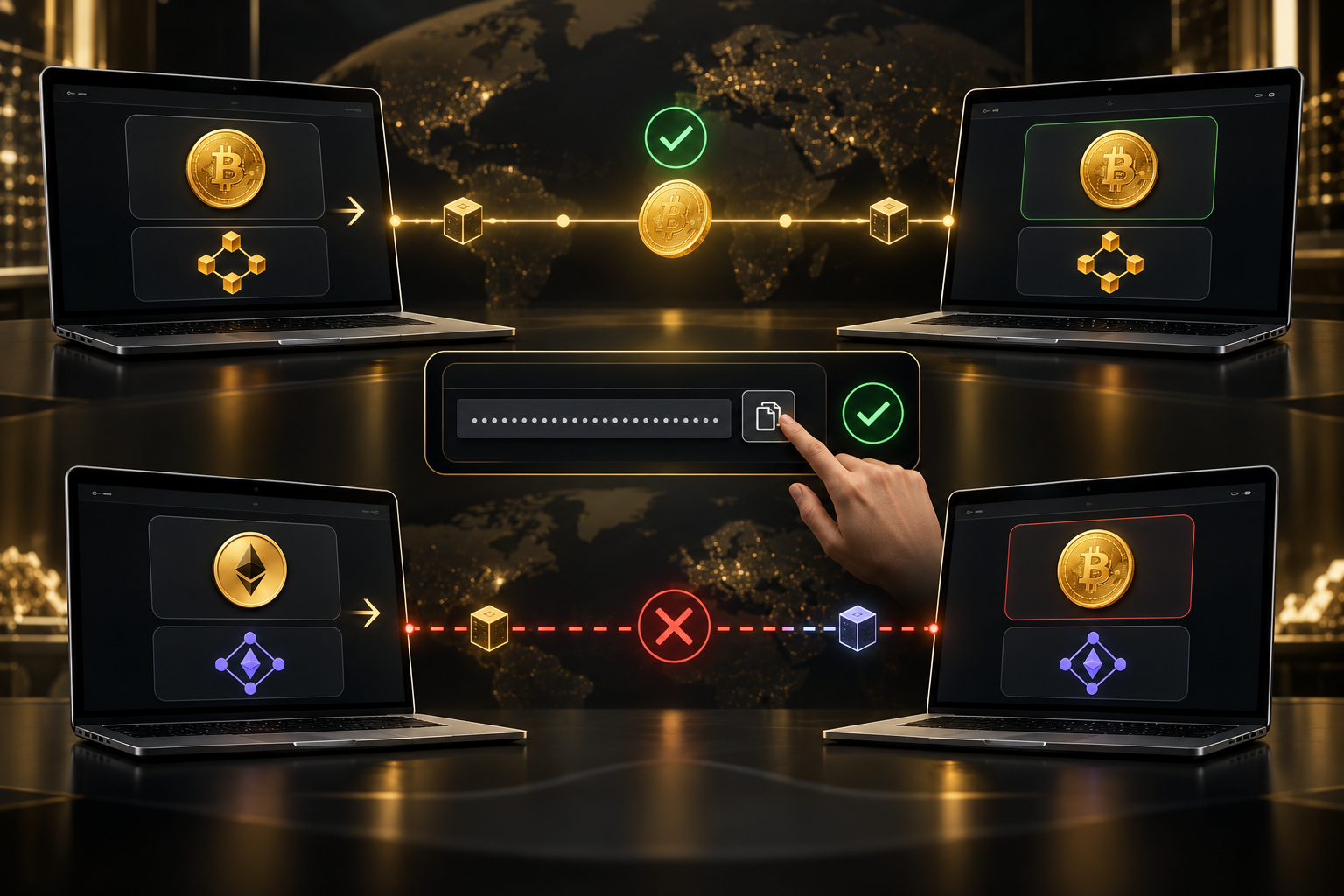
A transfer sent over a different network may be unrecoverable.
Wait for confirmations and check the history
After sending, the transaction changes from processing to credited or successful once it reaches the required number of confirmations. Check its status in deposit and withdrawal history.
Confirmations, minimum amounts, and fees must be checked on the live transaction page because they may change.