
Open the deposit page from the wallet menu. The same page adapts to desktop and mobile screens, so you do not need a separate link.
Deposits and withdrawals
How to Deposit USDT into XAUUSD.RUN
Select a network, obtain a deposit address, send USDT, and track confirmations safely on desktop and mobile.
Sign in and open Wallet → Deposit
Confirm that you are on the correct XAUUSD.RUN domain before copying an address.
Select USDT and the network
Choose TRC20, ERC20, or BEP20 according to the network supported by the sending wallet. The network name must match on both sides.
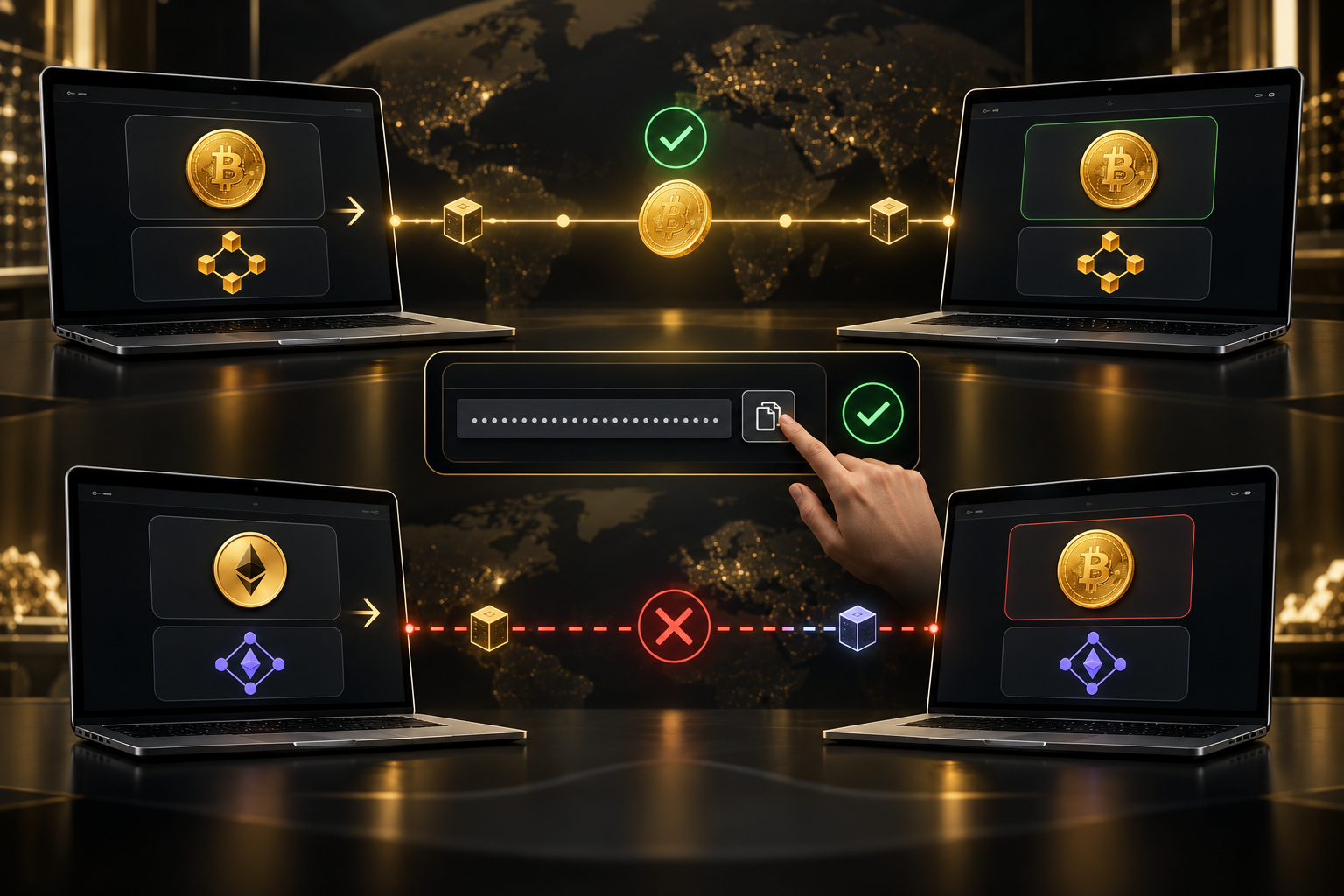
Do not send XMR or any other asset to a USDT address.
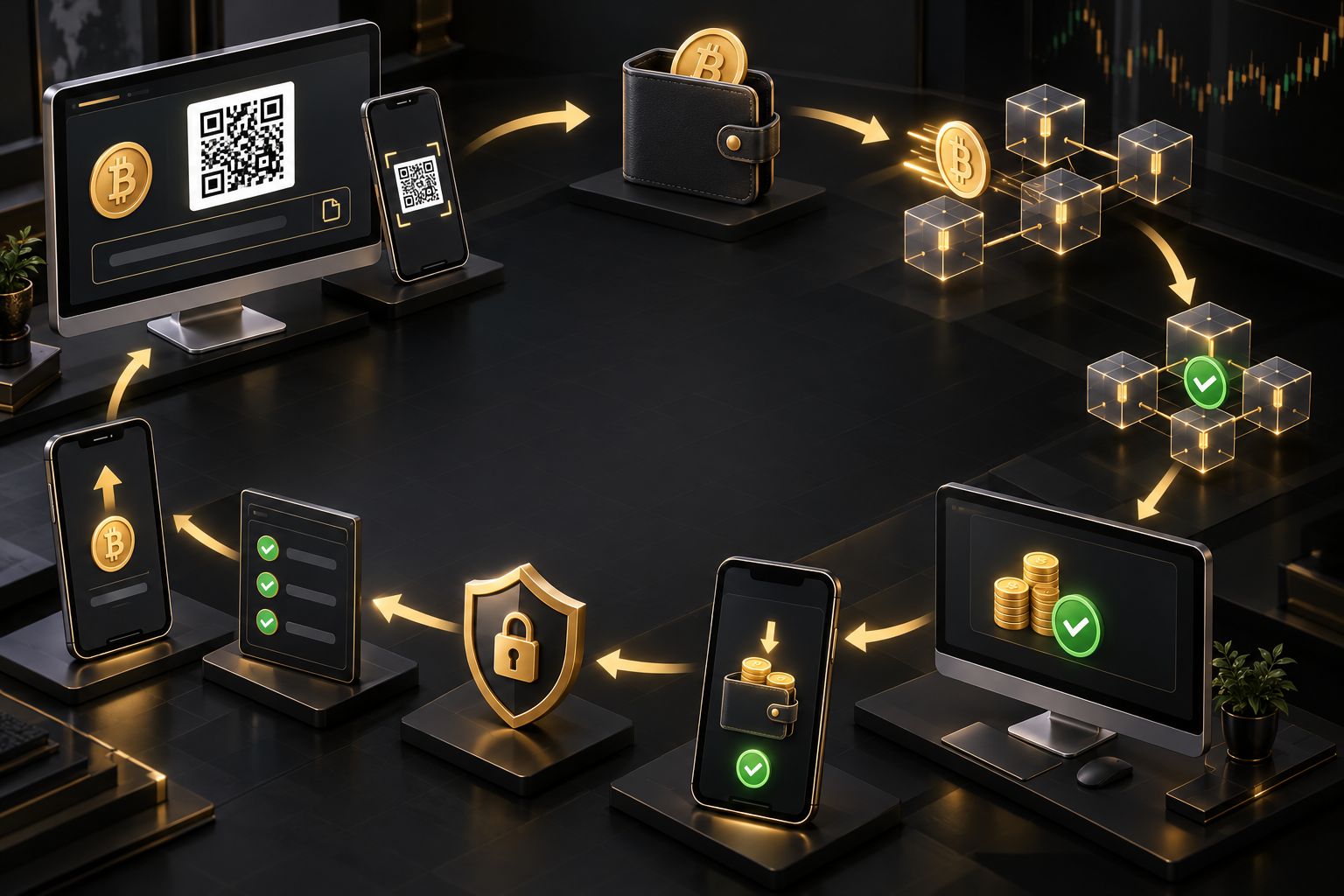
Copy or scan the deposit address
Use the copy button or the QR code generated from the on-screen address. Before sending, compare its first and last characters with the address on the sender’s withdrawal page.
Do not type the address yourself or use an address from an old image or someone else’s message.
Send the transaction and enter the TxID
Confirm the transaction in the sending wallet, then enter the TxID and amount sent on the deposit page so the system can track the transaction on the network.
The TxID must belong to the transaction sent to this account’s deposit address.
Wait for confirmation and wallet credit
The system keeps the transaction pending until the network verifier confirms both the amount and the required block count, then credits it exactly once.
If the network verifier is unavailable, the system will not credit funds from user-entered information alone.